

Konica Minolta
SpectraMagic NX2 Color Data Software
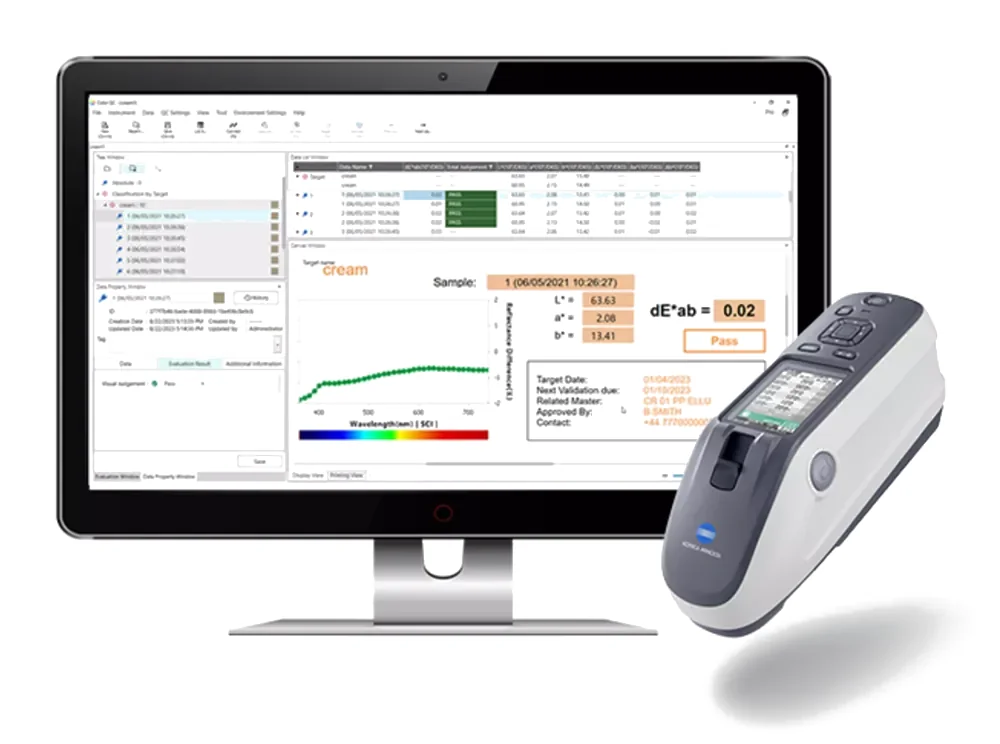
SpectraMagic NX2 is color measurement software for managing, evaluating and reporting color and gloss data acquired with Konica Minolta spectrophotometers and colorimeters. It is available in two editions, Lite and Pro, and can be used in 13 languages, including Turkish.
Request a quote| Type | Color and gloss quality control software |
|---|---|
| Editions | Lite and Pro |
| Operating system | Windows 11 Pro |
| License | Via USB dongle; internet required for activation |
| Languages | 13 languages, including Turkish |
Product description
SpectraMagic NX2 is color quality control software that brings data from color measuring instruments together in a single application. Defining brand colors, creating digital color standards, incoming inspection of raw materials, final product color approval and comparing production across different sites are all carried out through this software.
The software keeps the target color, measurement results, instrument information and report together in the same file. For routine operations such as white calibration or changes to measurement settings, instrument-specific graphical instructions are displayed; this makes it easier for users on different shifts to follow the same procedure.
The Lite edition offers sufficient functions for basic color evaluation. In addition, the Pro edition includes advanced functions such as user management, calibration and UV adjustment, extended indices and color difference formulas, automatic tolerancing, macros and QC template creation.
Applications
- Definition of brand colors and digital color standards
- Color inspection of raw materials at goods receipt
- Final product color quality control and pass/fail evaluation
- Comparison of production color across different sites and suppliers
- Combined reporting of color and 60° gloss data
- Calculation of Gardner, Hazen (APHA) and pharmacopoeia color indices for liquid products
Key features
User and target management
In the Pro edition, an administrator can define user roles and permissions to restrict operations. Target colors can be transferred from the instrument to the software or from the software to the instrument, and targets can also be defined manually.
Job mode
Routine measurements and multi-step measurement workflows are standardized with job mode, which displays task-related instructions on screen or on supported instruments.
Reporting and graphs
Customizable measurement screens and report templates are created with objects such as spectral reflectance and transmittance curves, L*a*b* and Hunter Lab color distribution, color difference graphs, xy chromaticity diagram, trend graph and histogram. The Pro edition also includes K/S and absorbance graphs.
Utility applications
With the configuration tool (CM-CT1) included in the package, instrument settings, tolerances and user indices are managed from a computer. The Instrument Check App checks repeatability, reproducibility and light source output, tracks the results with a trend graph and calendar, and outputs the report as a PDF.
Selection criteria for color measurement software
The software works with the CM-3700A Plus, CM-36dG series, CM-5, CF-300, CM-26dG / CM-26d, CM-25d, CM-23d, CM-17d / CM-16d, CM-25cG, CM-M6, CR-5 and CR-400 / CR-410. Some instruments require up-to-date firmware; the version of the instrument in use is checked before ordering.
The Lite edition is sufficient for single-user, basic color difference evaluation. The Pro edition should be preferred for multi-user laboratories, for applications requiring an extensive list of indices such as whiteness and yellowness, and for work with automated QC templates.
Gloss values are transferred to the software only with the CM-36dG, CM-36dGV, CM-26dG and CM-25cG models, which have an integrated gloss sensor.
Other models in the category are listed under color and gloss measuring instruments. Color difference is expressed as ΔE*ab based on the CIE 1976 L*a*b* color space.
Technical specifications
| Editions | Lite and Pro |
|---|---|
| Compatible spectrophotometers | CM-3700A Plus, CM-3700A, CM-36dG / CM-36d / CM-36dGV, CF-300, CM-5, CM-M6, CM-17d / CM-16d, CM-26dG / CM-26d / CM-25d / CM-23d, CM-25cG and previous-generation models |
| Compatible colorimeters | CR-5, CR-400 / CR-410, DP-400 |
| Observer angle | 2° and 10° |
| Color spaces (Lite and Pro) | L*a*b*, L*C*h, Lab99, LCh99, Hunter Lab, Munsell (C, D65) |
| Additional color spaces (Pro) | XYZ, Yxy, u'v', u*v* |
| Color difference formulas (Lite and Pro) | ΔE*ab, ΔE00, ΔE99, ΔE Hunter, ΔE*94, CMC, ΔE99o |
| Indices (Lite and Pro) | MI, GU and difference, opacity; with CM-5 / CR-5: Gardner, iodine color number, Hazen (APHA), European and US pharmacopoeia |
| Additional indices (Pro) | WI and YI (various standards), Tint, standard depth, ISO brightness, density, K/S strength, gray scale and staining grade |
| Illuminants | Lite and Pro: A, C, D50, D65, F2, F11; Pro additionally offers LED illuminants and up to 100 user-defined illuminants |
| File capacity | 10 files simultaneously; 10,000 data points per file |
| File formats | NX2 (.mesx2, .mtpx2), reading of NX files, .csv export, .cxf |
| Display languages | Turkish, English, German, French, Spanish, Italian, Portuguese, Russian, Polish, Korean, Japanese and Chinese |
| Operating system | Windows 11 Pro |
| Recommended hardware | Intel Core i5 2.7 GHz or higher processor, at least 2 GB (4 GB recommended) memory, 10 GB storage |
| License | USB dongle; internet connection for activation |
| Utility applications | Configuration tool (CM-CT1), Instrument Check App |
Values are taken from the manufacturer's published technical documentation. They may vary by configuration and are confirmed against the current datasheet before quotation.
Frequently asked questions
What is the difference between the Lite and Pro editions?
The Lite edition is intended for routine color evaluation with basic color spaces, color difference formulas and graphs. The Pro edition adds advanced functions such as user management, calibration and UV adjustment, an extended list of indices and illuminants, automatic tolerancing, macros and QC template creation.
Can previous SpectraMagic NX data be used?
Yes. SpectraMagic NX files can be read in NX2. Older SpectraMagic DX files must first be converted to NX format with a conversion tool.
Can the software be used in Turkish?
Yes. Turkish is among the display languages of the color quality control application.
What computer does the software run on?
A computer with the Windows 11 Pro operating system, at least an Intel Core i5 2.7 GHz processor and 4 GB of memory (recommended) is required. A USB port is used for instrument connection and the license key (dongle).
From the same category
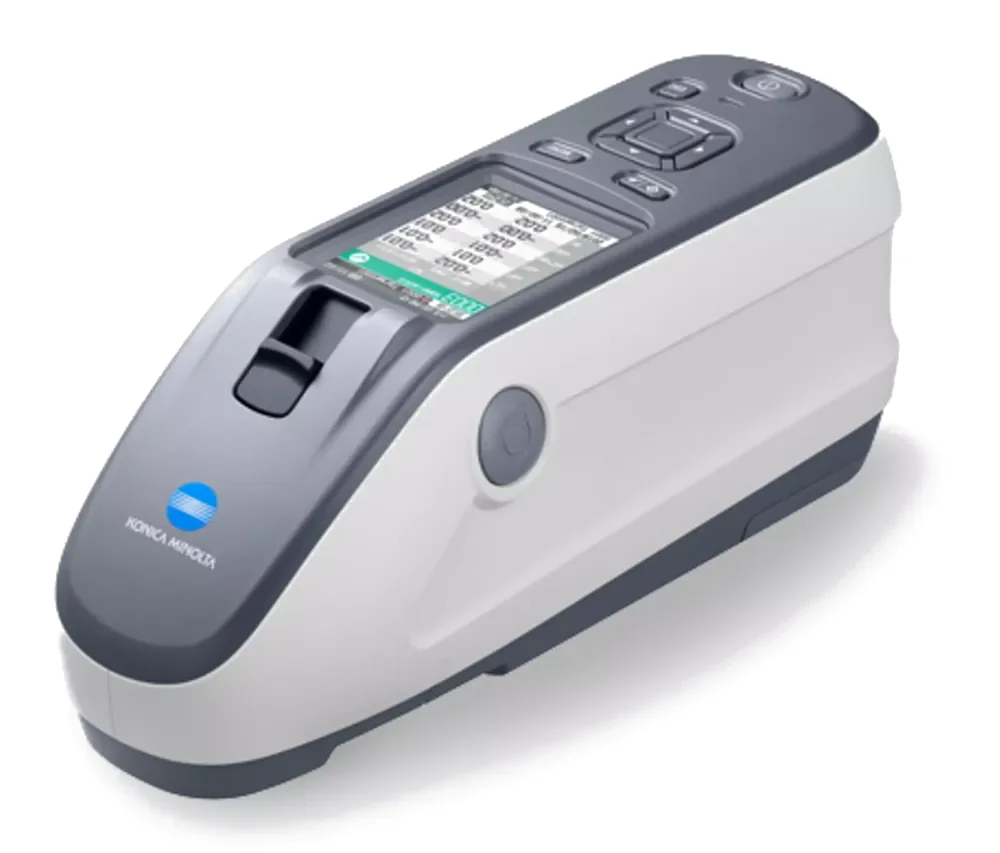
CM-26dG / CM-26d Portable Spectrophotometer
Portable spectrophotometer that captures color and 60° gloss in a single measurement and measures SCI and SCE simultaneously.
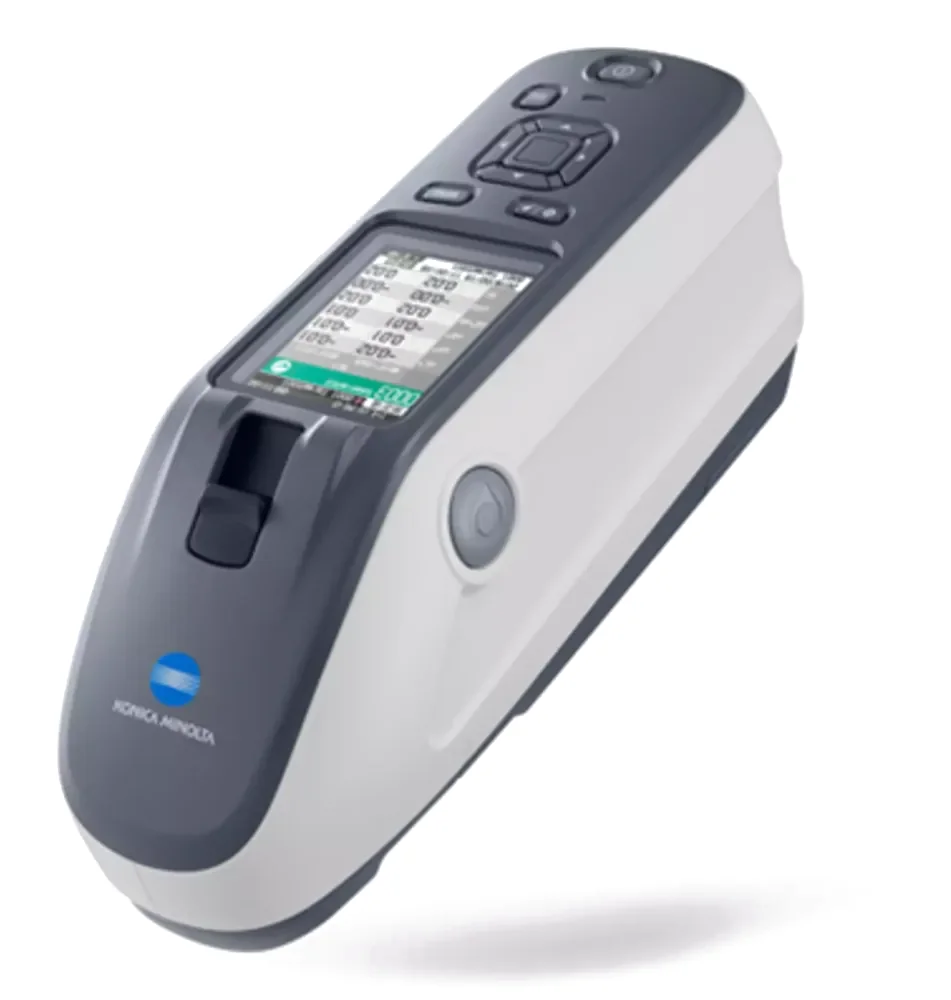
CM-25d Portable Spectrophotometer
Single-aperture portable spectrophotometer that measures SCI and SCE simultaneously and operates in the 400–700 nm range.
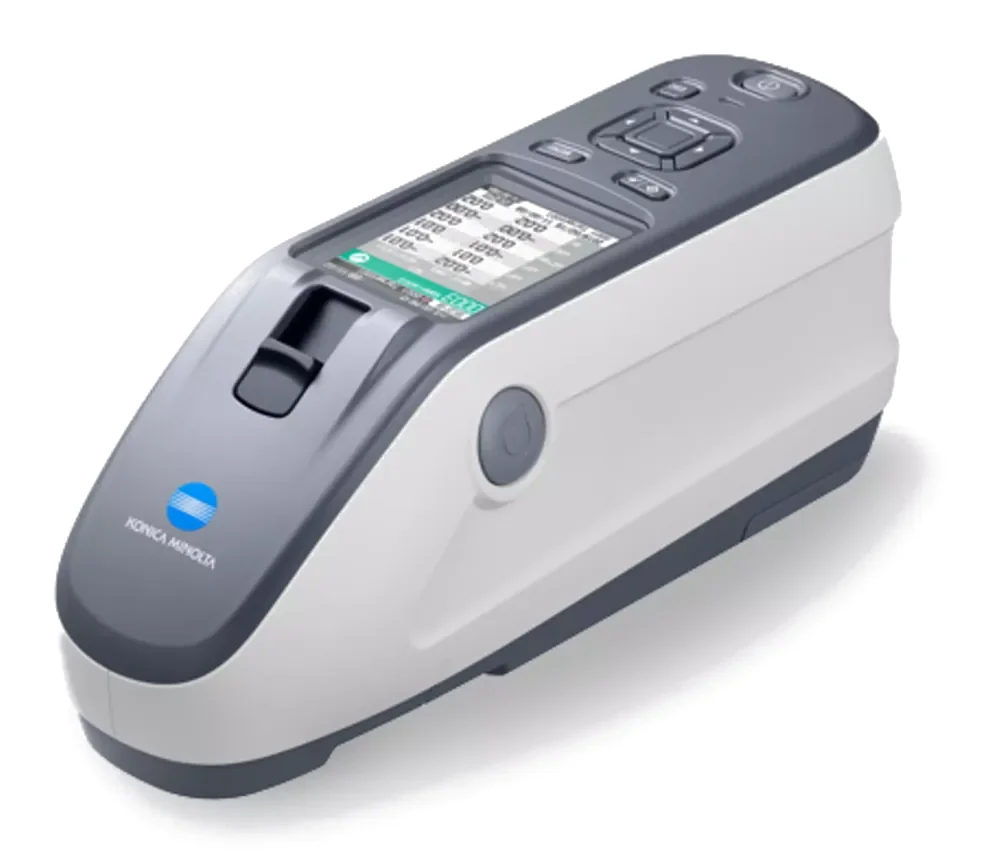
CM-23d Portable Spectrophotometer
Entry-level portable spectrophotometer that measures SCI and SCE values together for basic color quality control.
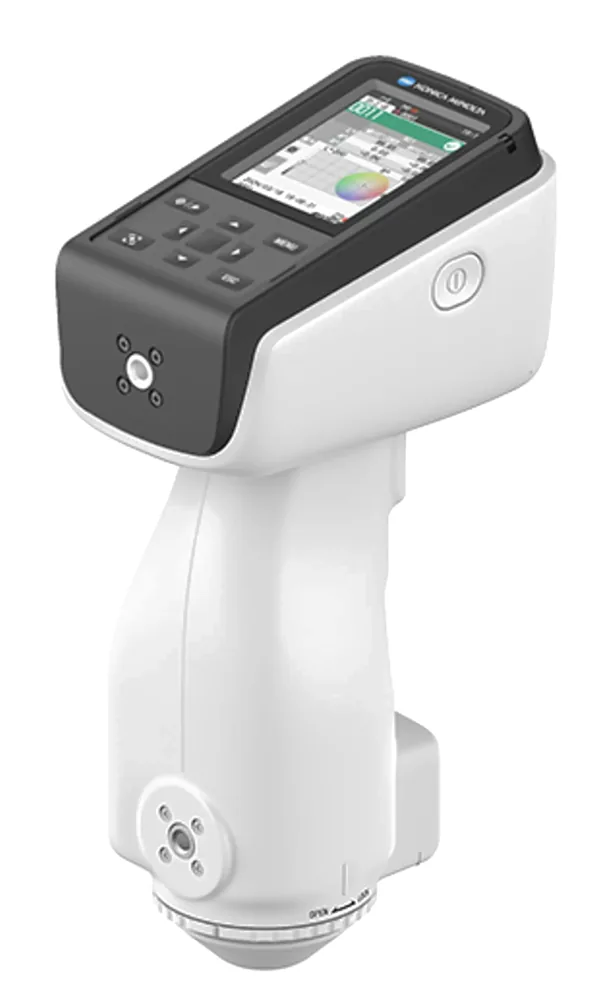
CM-17d / CM-16d Portable Spectrophotometer
Next-generation portable spectrophotometer with vertical body, camera viewfinder and interchangeable apertures.
Request a quote for this model
A suitable configuration and pricing are prepared based on sample type and workload.
Request a quote